
Business Phone System Setup: A 10-Step Checklist for UK Businesses
A successful business phone system setup helps your organisation answer enquiries promptly, connect callers to the right people and keep staff working wherever they are based. Whether you are replacing an ageing telephone system, moving premises or introducing hosted VoIP, careful planning makes the changeover easier.
Missed calls can mean lost orders, delayed projects and frustrated customers. For schools and colleges, reliable telephone communication also helps reception teams handle parent enquiries and urgent messages.
At CSLN Group, we provide business VoIP phone systems alongside connectivity, network infrastructure and ongoing IT support. This checklist explains what to consider before installing a new business telephone system and how to prepare for a smooth migration.
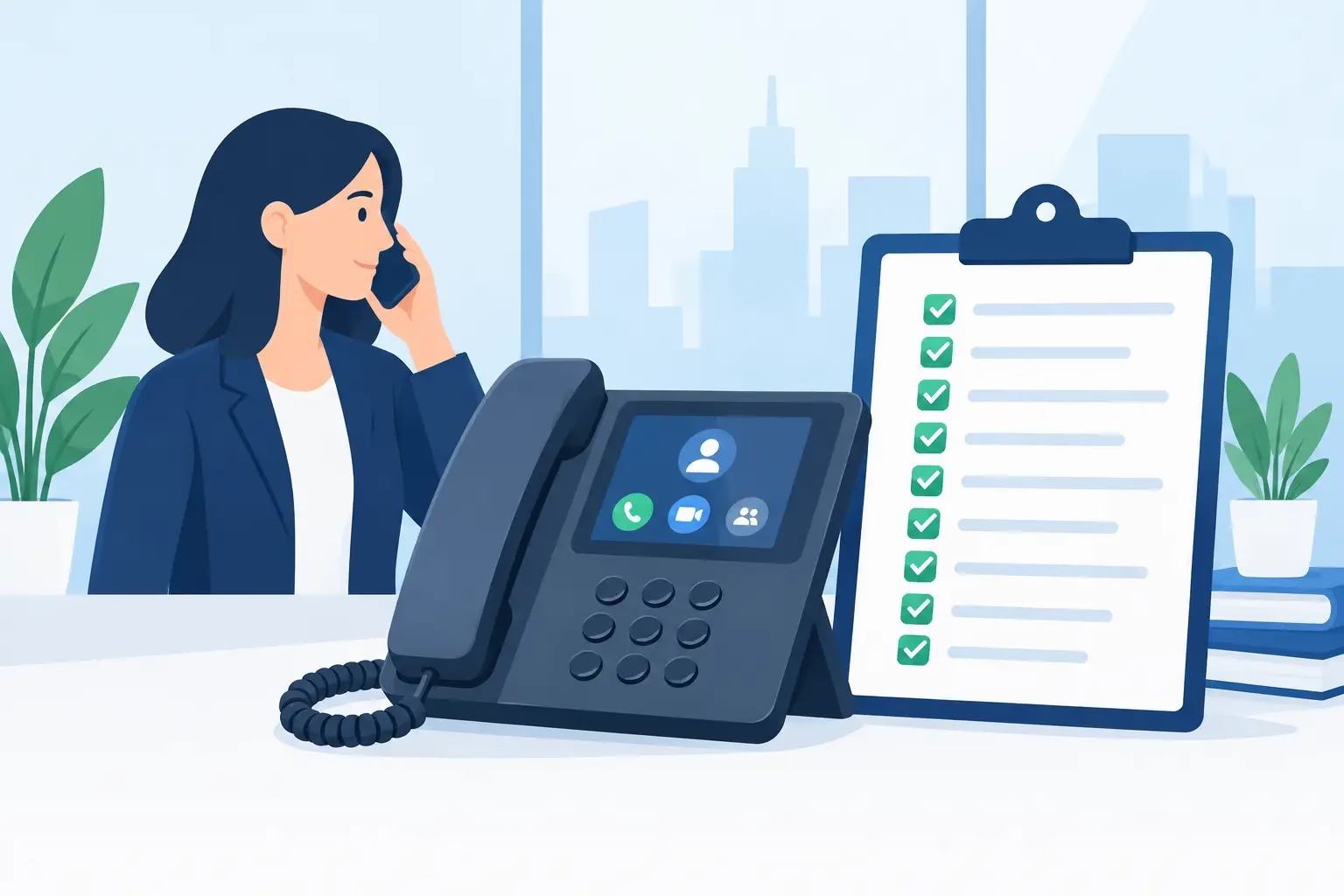
What is a business VoIP phone system?
A business VoIP phone system uses your internet connection to make and receive telephone calls. VoIP stands for Voice over Internet Protocol.
A hosted VoIP system runs on infrastructure managed away from your premises, reducing the need for an onsite telephone server. Depending on the platform and configuration, staff can use desk phones, computer applications and mobile apps to answer calls through the same business telephone system.
Features can include:
- Auto-attendant menus and department extensions.
- Call queues, ring groups and overflow routing.
- Voicemail delivered to email.
- Mobile and desktop softphone applications.
- Call reporting and recording.
- Business caller ID for remote workers.
- Routing between multiple offices.
The right configuration depends on your organisation’s working patterns, call volumes and support requirements.
1. Define what your business telephone system needs to do
Before choosing handsets or comparing VoIP packages, consider how telephone calls support your organisation.
Who answers the main number? Which departments receive the most calls? What happens when reception is busy, someone is on leave or the office is closed?
A small business may need a straightforward ring group and voicemail. An accountancy practice may need direct numbers for advisers. A school may require separate options for reception, attendance and general enquiries.
Write down your requirements, including:
- The number of users and locations.
- Expected simultaneous calls.
- Reception and departmental routing.
- Remote and hybrid working.
- Opening hours and holiday arrangements.
- Reporting and recording requirements.
- Plans for recruitment or additional premises.
This gives your business phone system installation a clear purpose and helps avoid paying for features you will rarely use.
2. Audit existing telephone numbers and contracts
If you are replacing an existing phone system, create a record of the numbers and services you currently use.
Include your main business number, direct dial numbers, published contact numbers and any lines connected to alarms, lifts, door entry systems or fax equipment. Specialist equipment needs its own compatibility assessment before a telephone service changes.
Identify which numbers you want to keep and check the information held by your existing provider. Accurate account details help reduce delays during business telephone number porting.
Review contract end dates, notice periods, termination charges and services bundled with your current telephone line.
Do not cancel an existing service before your new provider confirms how the number transfer and associated services will be handled. Premature cancellation can put your telephone number and connectivity at risk.
CSLN Group can coordinate the migration process and help identify dependencies before the changeover.
3. Check your broadband and internet resilience
Reliable business VoIP installation starts with reliable connectivity.
Download speed alone does not determine call quality. Upload capacity, latency, jitter and packet loss can all affect conversations, particularly when staff are also using cloud applications, video meetings and online backups.
Review how many simultaneous calls your organisation needs and whether the connection can support them during busy periods.
Our business connectivity solutions can help organisations assess suitable broadband, leased line and backup connectivity options.
Depending on your requirements, consider:
- Business broadband or a dedicated leased line.
- A secondary internet connection.
- Suitable 4G or 5G failover.
- Monitoring and fault escalation.
- The service levels attached to each connection.
Failover arrangements should be tested. A backup connection may allow phones to reconnect or support alternative routing, but an active call may still disconnect when the primary connection fails.
4. Prepare your network for VoIP phones
Your local network matters just as much as your internet connection.
Outdated switches, damaged cabling, inconsistent Wi-Fi and unsuitable firewall settings can cause poor audio or unreliable phone registration.
Before installing IP phones, assess:
- Network switch capacity and available ports.
- Power over Ethernet requirements.
- Structured cabling and desk outlets.
- Wireless coverage for supported mobile devices.
- Firewall configuration.
- Voice traffic prioritisation where appropriate.
- Backup power for essential network equipment.
CSLN Group’s network services help organisations prepare the infrastructure that supports their telephone system.
A network assessment is especially useful when moving offices, adding users or replacing several systems at once.
5. Choose suitable handsets, headsets and softphones
The best business phone system should suit the people using it.
Reception teams may benefit from physical desk phones with clear transfer controls and visibility of colleague availability. Hybrid workers may prefer desktop softphones and headsets. Staff moving around a warehouse or school may need an appropriate cordless solution.
Consider equipment by role:
- Reception: straightforward call handling, transfers and extension visibility.
- Office staff: desk phones or desktop applications with reliable headsets.
- Remote workers: secure mobile and computer access to business calls.
- Mobile teams: business calling through supported smartphone applications.
- Shared spaces: suitable conference phones or shared extensions.
CSLN Group supplies and configures 3CX phone systems and other business telephony solutions to match operational requirements. We can help you select a practical combination of devices and applications through our business telecoms and VoIP phone system service.
6. Configure call routing around your opening hours
Good call routing helps customers reach the right person without unnecessary transfers.
Map out what should happen when someone calls your main number during working hours, outside working hours and when nobody is available.
Your hosted telephone system may need:
- A professional welcome greeting.
- A short menu for key departments.
- Ring groups for shared responsibilities.
- Queues for busy teams.
- Overflow routing when calls go unanswered.
- Voicemail with a named person responsible for checking it.
- Separate bank holiday and closure messages.
Keep menus short and instructions clear. A complicated auto-attendant can make a simple enquiry frustrating.
For schools and colleges, routing should reflect reception arrangements, attendance reporting and holiday periods. Our education IT support service can help coordinate telephony with the wider school IT environment.
7. Build security into your business phone system setup
A cloud telephone system needs ongoing security management.
Compromised accounts can expose voicemail, call records and administrative settings. They can also be used for toll fraud, where unauthorised calls generate substantial charges.
Practical safeguards include:
- Individual user accounts and strong passwords.
- Multi-factor authentication where supported.
- Restricted administrator permissions.
- Limits on international and premium-rate calling.
- Software and handset firmware updates.
- Monitoring for unusual calling activity.
- Prompt removal of access when staff leave.
Telephony security should form part of your wider cybersecurity arrangements, alongside device protection, access management and staff awareness.
If you use call recording, agree why recordings are needed, who can access them and how long they should be retained. Assess the applicable privacy requirements and configure caller information, access controls and deletion processes accordingly.
8. Plan emergency calling and business continuity
Your organisation should understand how emergency calls work through its chosen telephone service.
Confirm arrangements for 999 and 112 calls with your provider, including caller location information and any limitations affecting remote or mobile users.
Internet-based telephone services depend on connectivity and powered equipment. Plan how staff will communicate if the office loses power, the internet connection fails or the telephone platform becomes unavailable.
Consider:
- Backup power for essential networking and telephone equipment.
- Alternative connectivity.
- Provider-supported diversion arrangements.
- Mobile phones with usable coverage.
- Contact lists available outside the affected system.
- Clear responsibility for activating fallback procedures.
Coordinate these arrangements with your wider backup and disaster recovery planning.
Verify emergency calling arrangements through your provider’s approved process. Do not make unsolicited test calls to emergency services.
9. Test the system and train your staff
A successful call from one handset does not prove that your entire business telephone system is ready.
Before go-live, test the scenarios your staff and customers will encounter:
- Incoming calls to main numbers and direct dials.
- Outgoing calls and displayed caller ID.
- Transfers, hold and shared call handling.
- Queues, overflow routing and voicemail.
- Opening hours and holiday rules.
- Desktop and mobile applications.
- Audio quality across office and remote connections.
- Agreed failover and recovery arrangements.
Give reception staff, managers and everyday users training suited to their responsibilities. A short reference guide covering answering, transferring, voicemail and fault reporting can reduce disruption during the first few days.
Agree the number porting schedule, explain any expected interruption and make sure support is available during the changeover.
10. Arrange ongoing telephone system support
Your phone system will need attention as your organisation changes.
New starters need access, leavers need accounts removed and departments may need different routing. Greetings, opening hours and reporting requirements also change over time.
Assign someone internally to approve changes and agree how your provider will handle support requests.
Review call reports for unanswered calls, queue times and repeated transfers. These can reveal where routing or staffing arrangements need improvement.
Combining telephone support with managed IT support also helps when faults involve several services, such as broadband, network equipment, computers and phone applications.
Business phone system setup FAQs
Can we keep our existing business telephone number?
In many cases, yes. Existing business numbers can often be transferred to a new VoIP provider through number porting. Availability and timescales depend on the number, existing service and providers involved. Confirm the transfer arrangements before cancelling anything.
Can staff use the business phone system from home?
Yes, where the chosen platform and configuration support it. Mobile and desktop applications can allow staff to answer business calls, transfer callers and present an approved business number when making outgoing calls. Reliable connectivity and appropriate security remain essential.
Do we need a physical desk phone for every employee?
No. Many organisations use a combination of desk phones, computer applications, mobile apps and headsets. The right choice depends on each employee’s role and working environment.
What happens to VoIP phones during a power cut?
Equipment without backup power may stop working. Continuity options can include backup power, alternative connectivity, mobile phones and provider-supported call diversions. Your arrangements should cover the equipment needed to keep the service operating.
How much does a business phone system cost?
Costs depend on the platform, users, simultaneous calls, hardware, connectivity, installation and support. Compare the complete service, including call charges, number porting, optional features and contract terms.
Can CSLN Group install and support our phone system?
Yes. CSLN Group provides business VoIP phone systems, including 3CX solutions, alongside connectivity, network services and ongoing IT support. We help organisations assess requirements, configure call routing, coordinate migration and support users.
Plan your business phone system setup with CSLN Group
Whether you need a small business telephone system, a hosted VoIP replacement or a solution connecting several sites, CSLN Group can help you plan the installation around your organisation.
Headquartered in King’s Lynn, with offices in Cambridge and Norwich, we support organisations across the UK. Our team brings together business telephony, connectivity, cybersecurity and IT support, with support available from 6am–10pm, seven days a week.
Explore our business telecoms and VoIP phone systems or speak to our team about your requirements.
Call 0330 363 9976 or contact CSLN Group to discuss your business phone system setup.